Piicnote
Text and Image Notebook


Note taking
app, where you to add text and images to your notes and organize them inside folders, navigate thorough
folders with a file explorer designed for mobile devices
- Create Notes and Folders
- Organize your notes in Folders
- File Explorer with Hierarchy path selector, you can go back to any folder by touching any section from the path history
- You can edit text; change the size and color of the text
- Set starting text size, all new files will start at the size set size.
- You can peek content of your notes while selecting different files
- View Images in full screen; you can rotate, pan and zoom in and out
- Backup your files, create zip file with all your files and load it if needed or if you change your phone you can take all your files to your new device
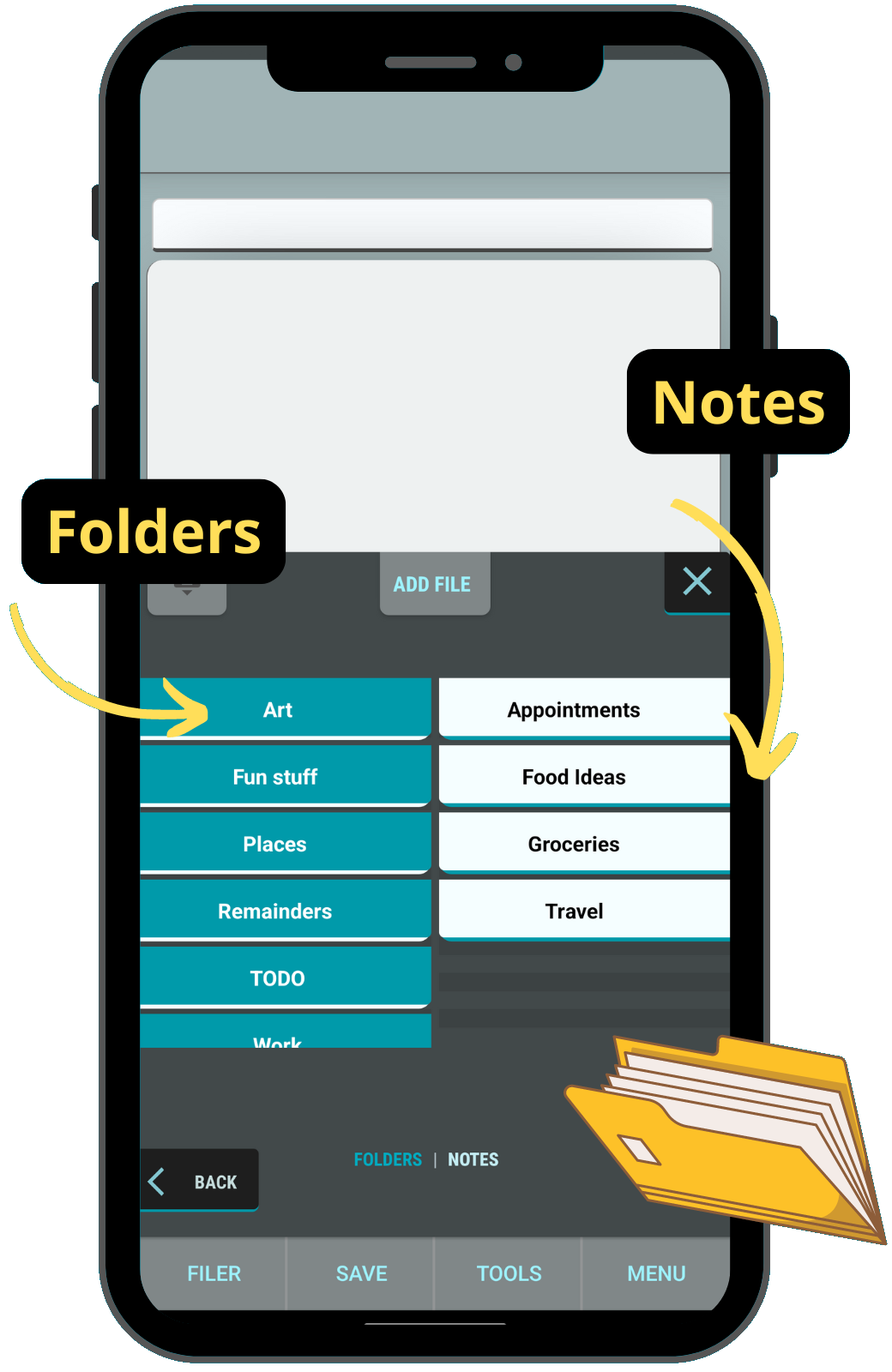
File explorer:
The Files are divided in two sides inside the file explorer, left for the folders and right for the notes.Touching the folders on the left side will make you navigate inside the folder and touching the notes on the right side will load the contents of the note.
You can create more files from the file explorer by touching the add file inside the file explorer, select the type, Folder or note, add a name and press add
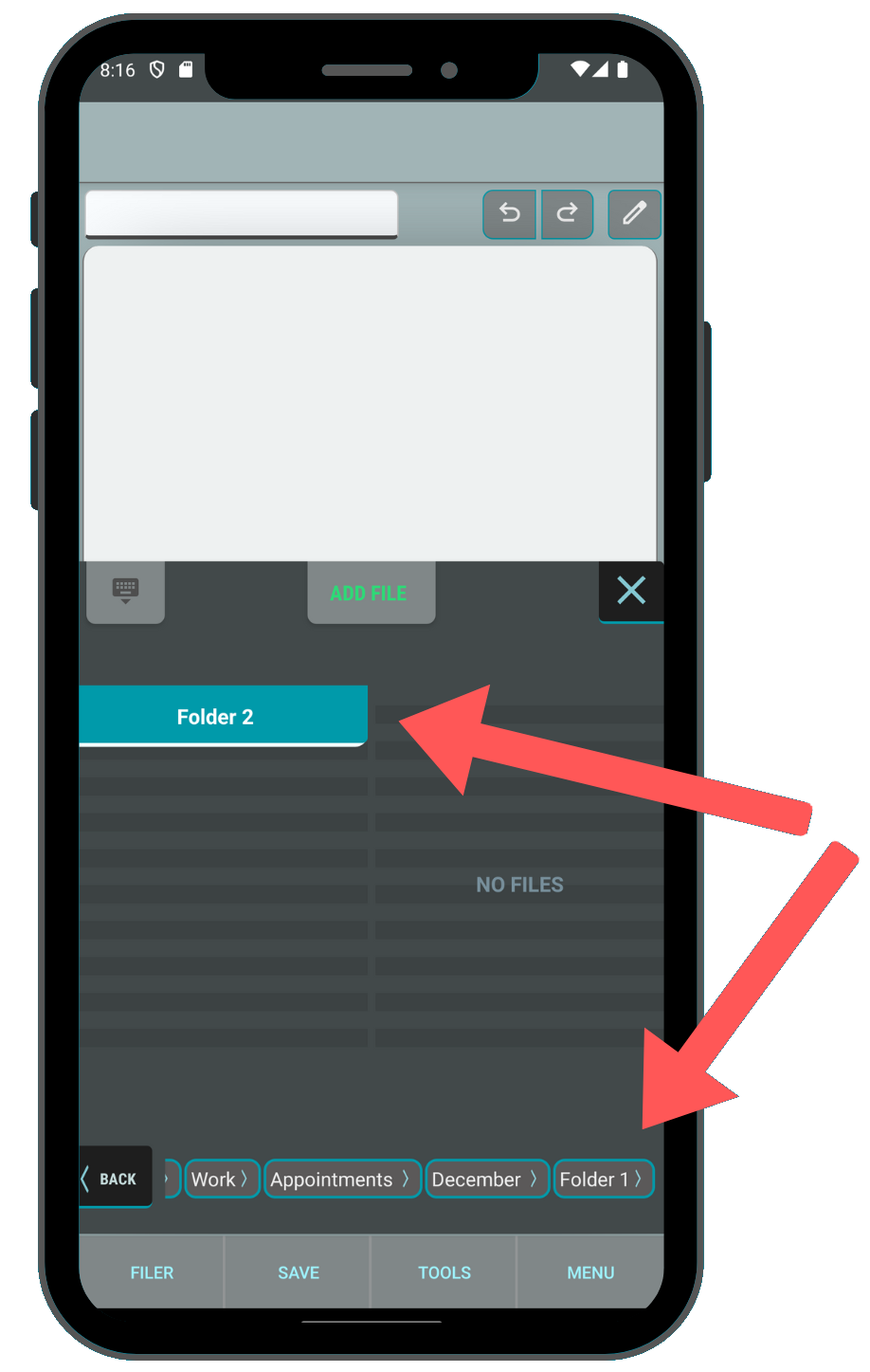
- Make quick notes with text and images
- Edit the text of your notes change the font size and color
- Has a file explorer designed for easy navigation on mobile devices
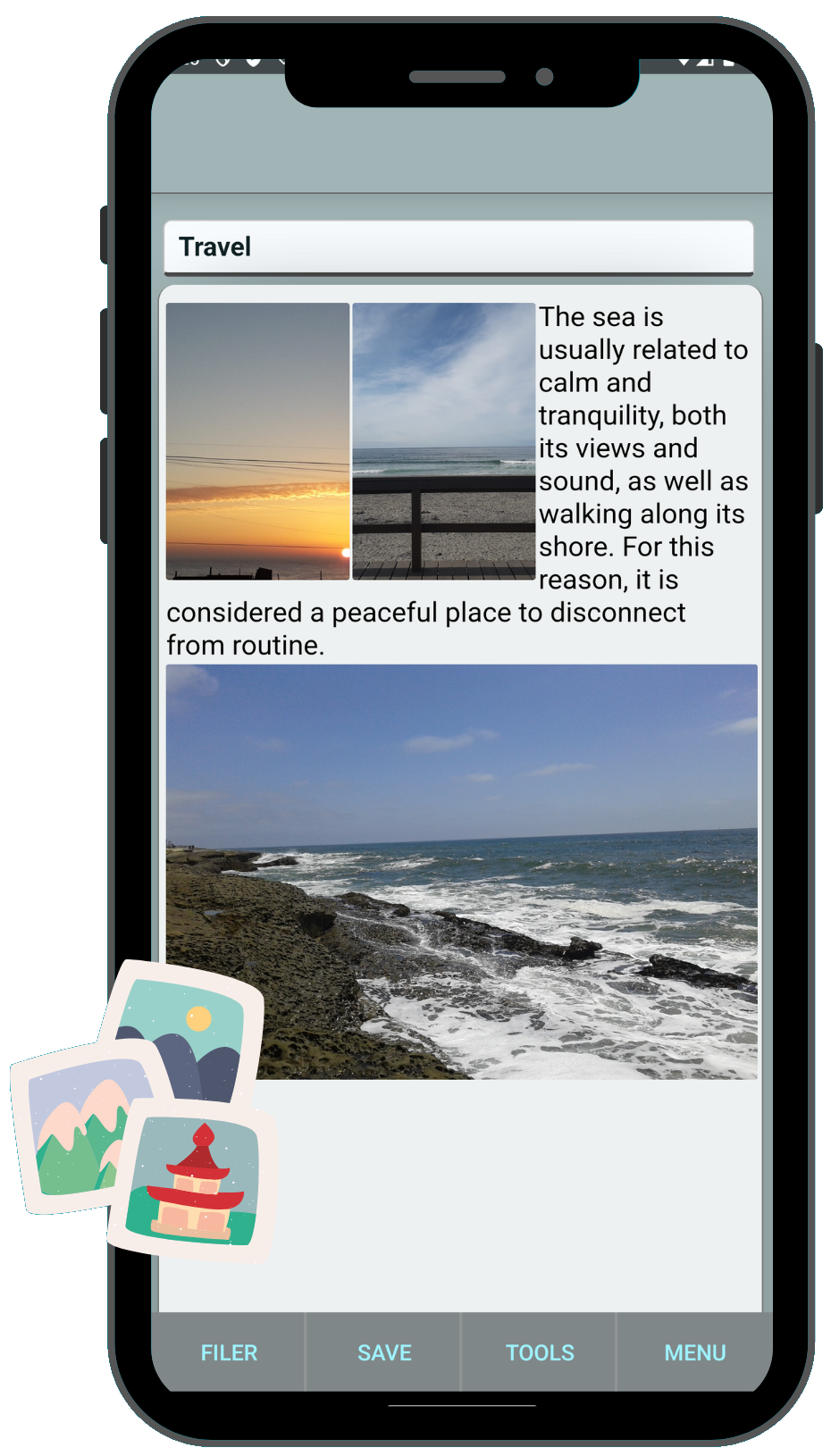
- Add photos from your device gallery or take a picture with the camera
- Touching an image will open it in full screen, while on full screen you can rotate the image
- By long touching an image a menu will appear, where you can: Delete the image, make a copy to the device gallery, change the size, or move it up or down inside the note.
- Has View mode to avoid the keyboard show while scrolling
Some Features to come:
- File Search
- Image Vault access
- Backup files on Google Drive
- Quick Share notes
- Convert note to PDF or .txt
- Move files system ui improve
- Dark mode